

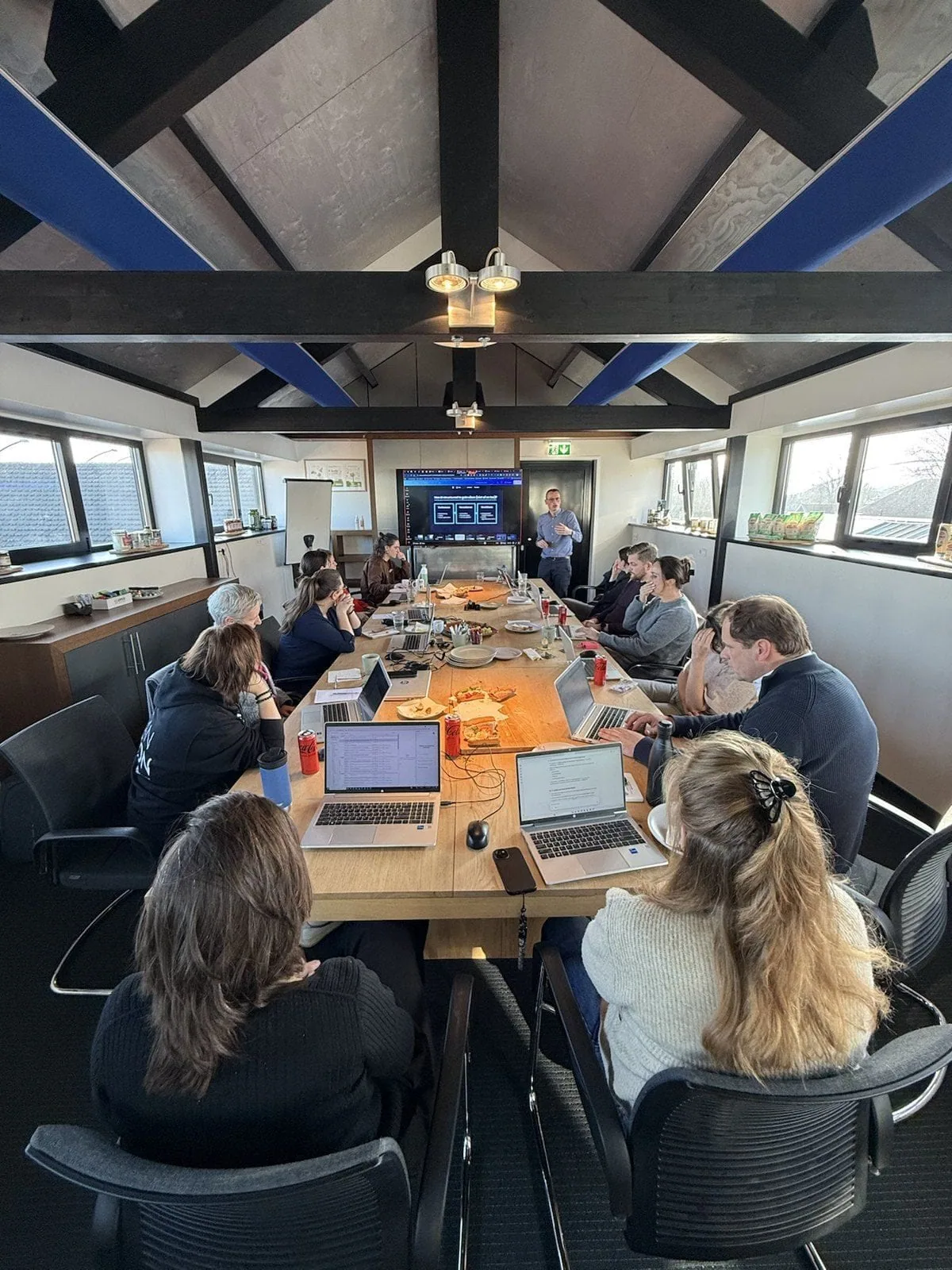
Training & adoption
From AI-curious to AI-capable.
Confidence in technology is built step by step. We help teams understand, apply and hold on to new technology, in the context of their own work.
What it is
Hands-on, in your own tools.
Hands-on half-day sessions, 8 to 15 people, €250 to €300 per participant, in the tools you actually use. Practical cases from your work, an action plan and a prompt library to keep going with.
Which tools
We train in the tools you use.
If your organisation runs on Microsoft, you work with Copilot. On Google, with Gemini. ChatGPT and Claude are a choice. We know them all inside out, and train in the tool that fits you.
Microsoft Copilot
Built into Microsoft 365: drafting and summarising in Word, formulas and analysis in Excel, mail in Outlook, and meeting summaries in Teams.
More informationChatGPT
Text, image and data analysis in one chat, with web browsing, file upload and voice. Plus ChatGPT Work that autonomously completes tasks across your apps, and Codex for development.
More informationClaude
Large context for long documents, code and analysis, with Projects for shared context and artifacts. Plus Claude Cowork as a desktop colleague for multi-day work and Claude Code for development.
More informationGemini
Built into Google Workspace: Docs, Sheets, Gmail and Slides, plus the Gemini app for text, image and data.
More informationPower BI
Dashboards and reports on your own data; with a Copilot that generates visuals, DAX formulas and summaries.
Copilot Studio
Build your own agents and copilots: connect your own data, define workflows and actions, with little to no code.
What we offer
Four modules. Composed per organisation.
The combination follows from the Quick Scan, the strategy, or what discovery found. Half-day sessions, 8 to 15 people.
Foundations & AI Literacy
For everyone · the foundation
- What you can and cannot do with AI: approved tools, data classification, do's & don'ts.
- Responsibilities: human oversight, record-keeping and escalation paths.
Prompting & Context Engineering
Daily users
- The seven core components of a strong prompt.
- Context engineering: how to organise data and instructions so AI delivers better work.
Tools & Features
In your own stack
- Daily applications in your own work environment.
- Cross-app use and work hacks that save time.
Agents & Workflows
For teams that want to build
- How to set up an agent in Copilot Studio or a comparable platform.
- System prompts and context management.
From the trainings
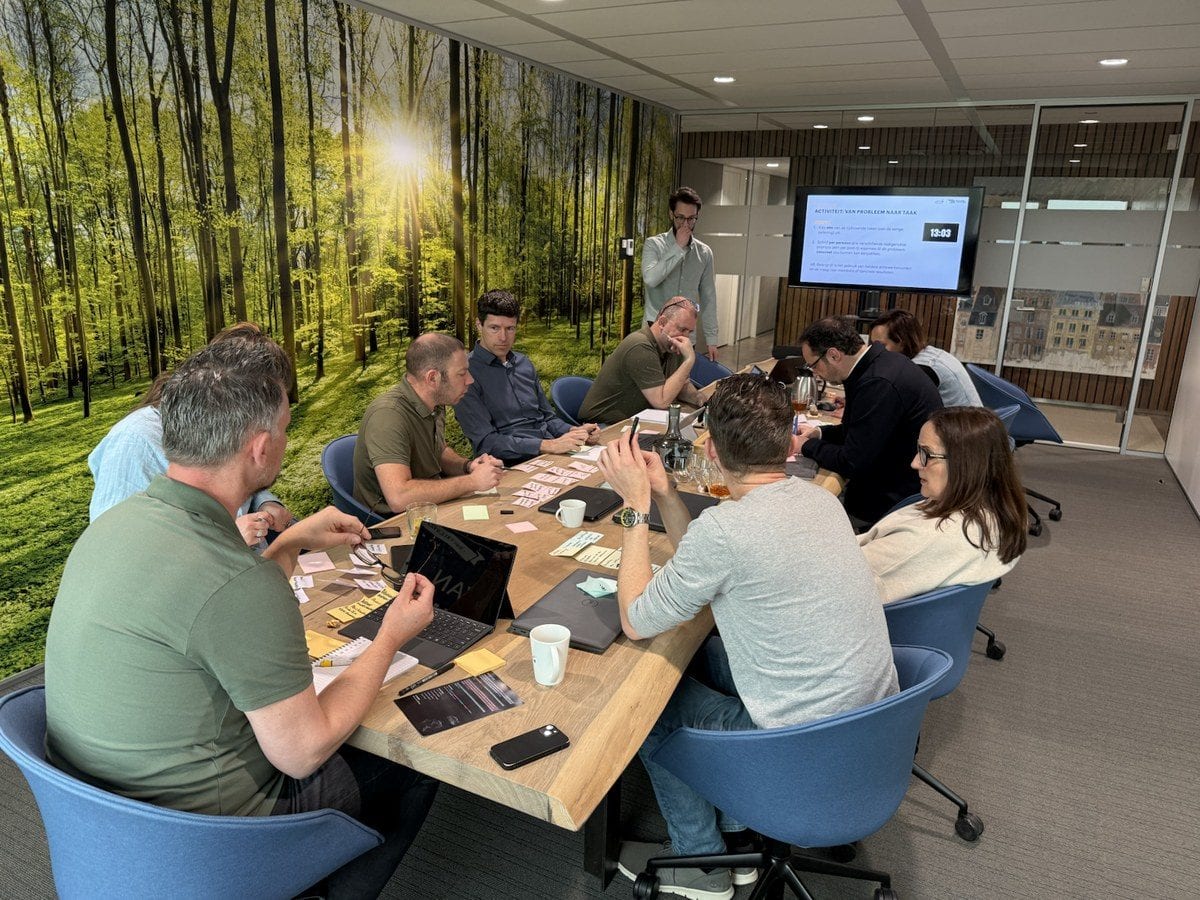
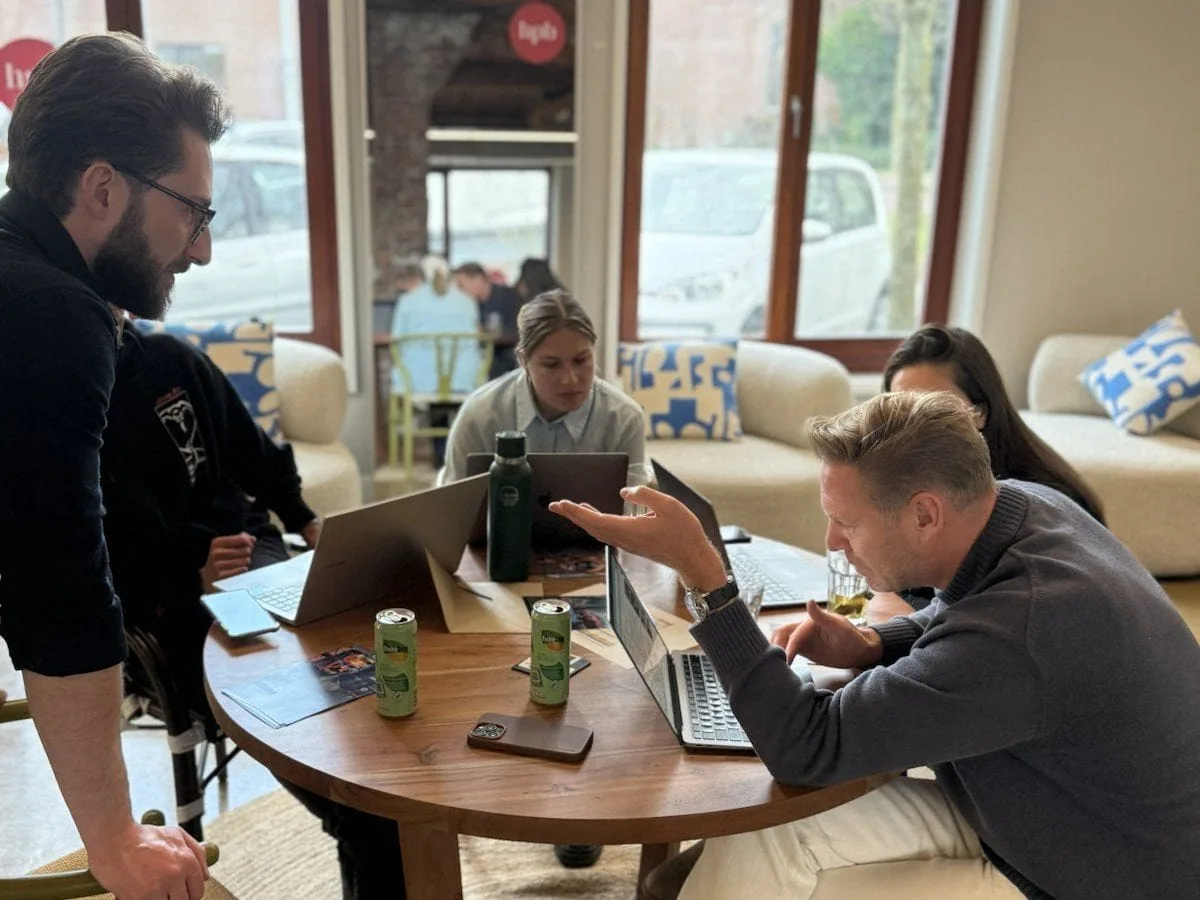
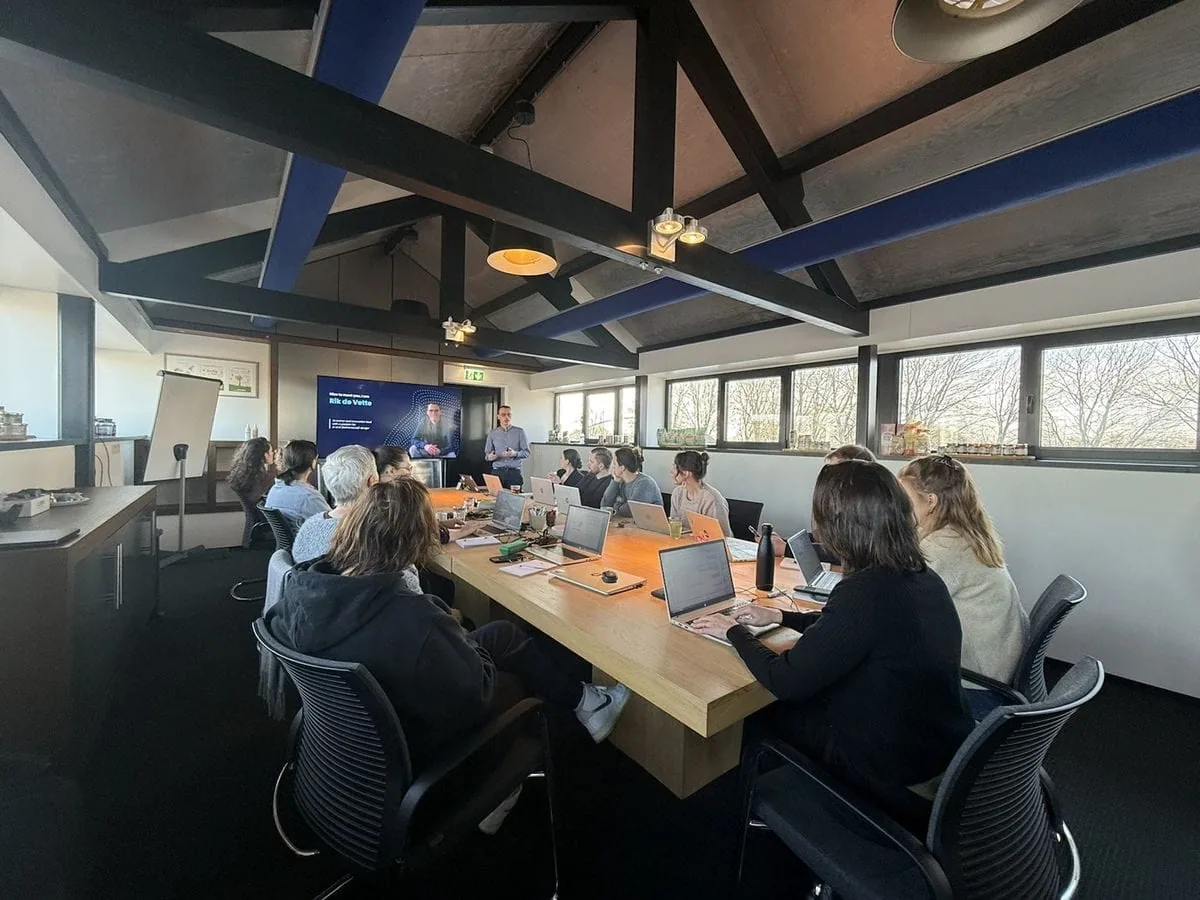
This is what a session looks like.
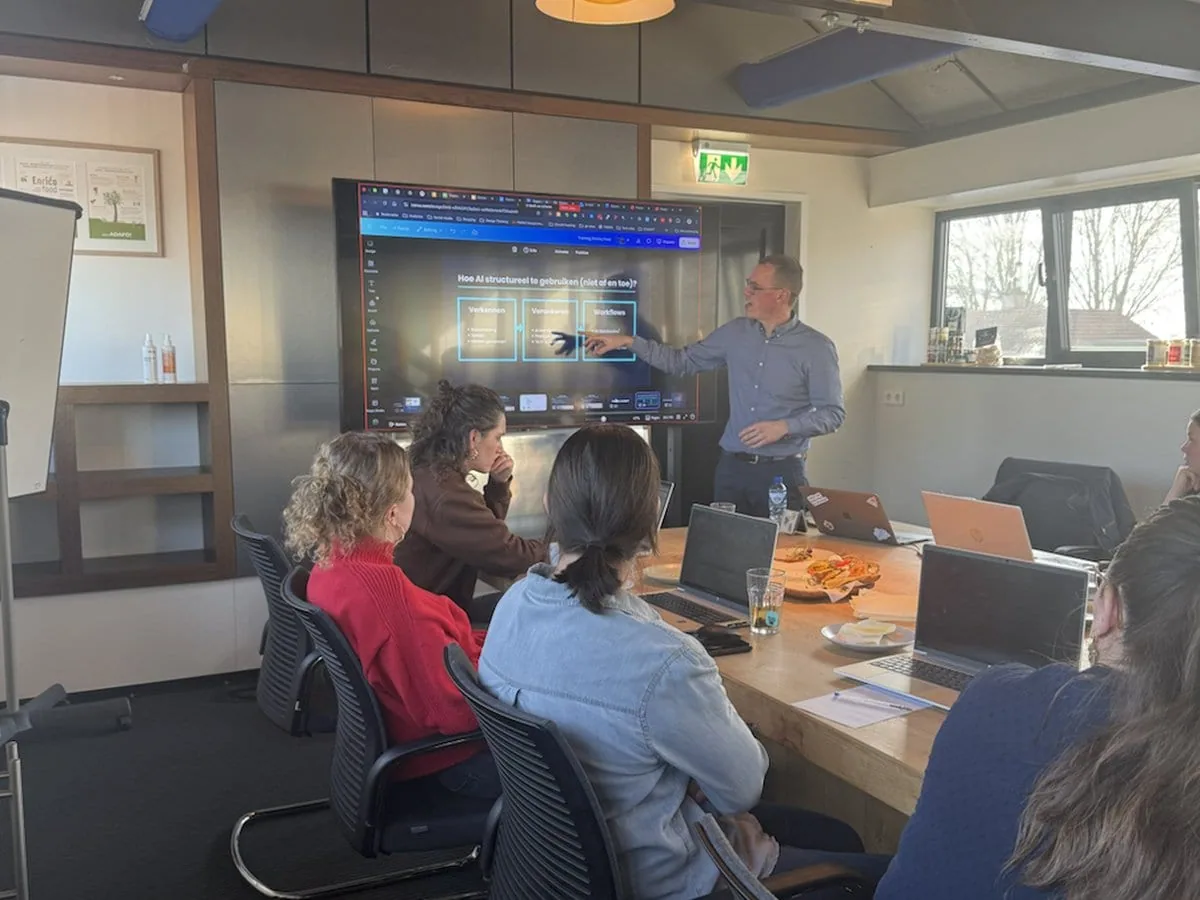
Who stands in front of the group
Who stands in front of the group.
The founders of Back From the Future and AI trainers who work alongside the team, with hands-on experience from their own work.

Ruben Horbach
Trainer & researchBrings the latest developments into the training, so the examples and tools you practise with are current.

Vincent Croes
Trainer & adoptionTrains from the practice of change: not just how AI works, but how a team keeps using it afterwards.

Rik de Vette
AI trainerIn front of the group most often. Hands-on with prompting, tools and prototyping, applied straight to the participants' work.
Beyond the training
Adoption is a rhythm.
Training gives knowledge. Adoption asks for rhythm, repetition and room to practise, guiding people until it becomes a habit. That is the difference between a project and a new way of working.
Accountability sessions
Regular sessions that keep adoption on the agenda after the applause has faded.
Learn & Share
A rhythm where teams show each other what worked. The cheapest adoption engine there is.
AI committee
We coach the internal group that has to carry this: a handful of sessions, then they run it themselves.
Knowledge base
Everything from the live training, plus the material to go deeper.
Why that rhythm matters: of what people learn in a one-off training, a large part fades within weeks. A new habit easily takes two months to settle in (Lally et al., UCL, median 66 days). Adoption is practice time, not a one-off event.
What it delivers
What it delivers for the participants.
time saved on repetitive tasks, because people apply what they learned straight to their own work
actively apply what they learned within a month · from participant evaluations
a shared vocabulary in the team, and everyone understands where AI does and does not work
Dat we als marketingafdeling met AI aan de slag moesten was duidelijk, maar waar begin je in een landschap dat dagelijks verandert? Dankzij de trainingen, de AI Challenge en de shadow days met BFF zijn inmiddels de eerste AI-toepassingen volledig verweven in ons werk.
Compose a learning track.
Compose a learning trackWhich module fits depends on where you stand.
Not sure yet? Start with the scan. Three to five minutes per participant, and you'll know which door to take.
Frequently asked questions
A few things upfront.
01 What does an AI training cost? +
€250 per participant for module 1 and €300 per participant for modules 2–4, with a minimum starting fee of €1,500–€1,800 per module, excluding VAT. Groups of 8 to 15 people.
02 Which AI tools do you train in? +
In the tools you already use: Microsoft Copilot, ChatGPT, Claude, Gemini, Power BI and Copilot Studio. If your organisation runs on Microsoft you work with Copilot; on Google, with Gemini.
03 Which modules are there? +
Four: Foundation & AI Literacy, Prompting & Context Engineering, Tools & Features, and Agents & Workflows. The combination is composed per organisation, based on the Quick Scan, the strategy or what discovery found.
04 How do you make it stick? +
With a rhythm after the training: accountability sessions, Learn & Share, guidance of an internal AI committee and a knowledge base. Of the people we train, 87% apply what they learned within a month.
Still exploring your options? What good AI training for companies needs to include →